Your view over everything Arqtec does
See every change, flag, and approval in one place
Arqtec Arquitetura shows you what the agent is
doing across all your projects: the issues
it's flagged, the edits it's made, and
what's waiting for your approval.
Discover more
Discover more

Button
Button



















Button
Button
KEY FEATURES
Full oversight, no digging around
[01]
ONE VIEW
[01]
APPROVAL QUEUE
[01]
FULL HISTORY
[01]
TEAM VIEW
[01]
FIRM STANDARDS
[01]
[01]
[01]
[01]
[01]
ONE VIEW
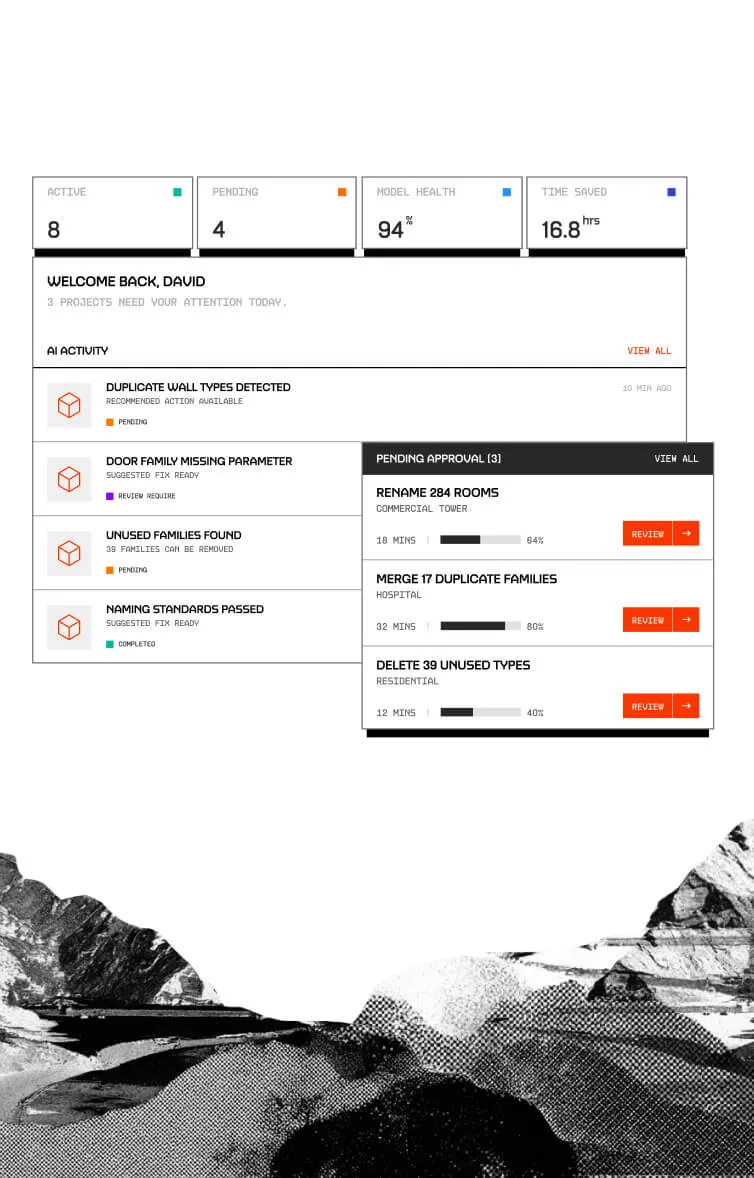
Every project in one place
See what Arqtec is doing across all your active
projects without opening each one.

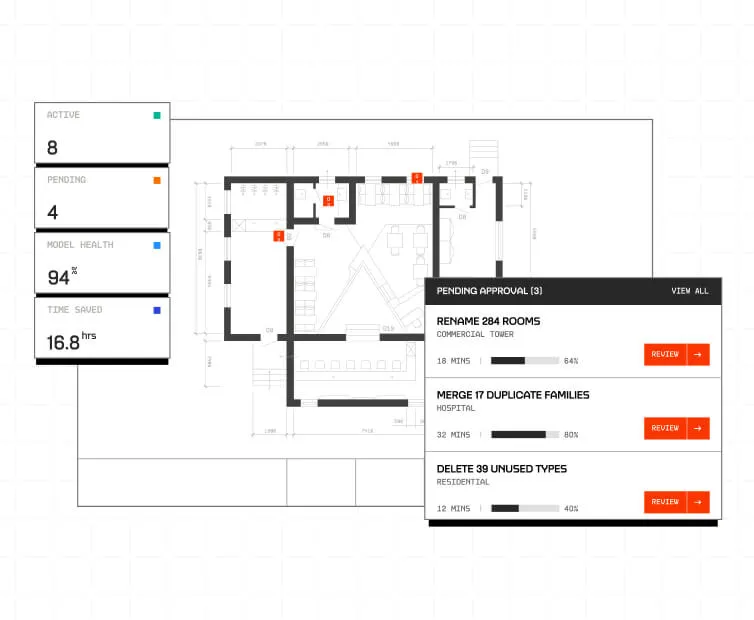
APPROVAL QUEUE
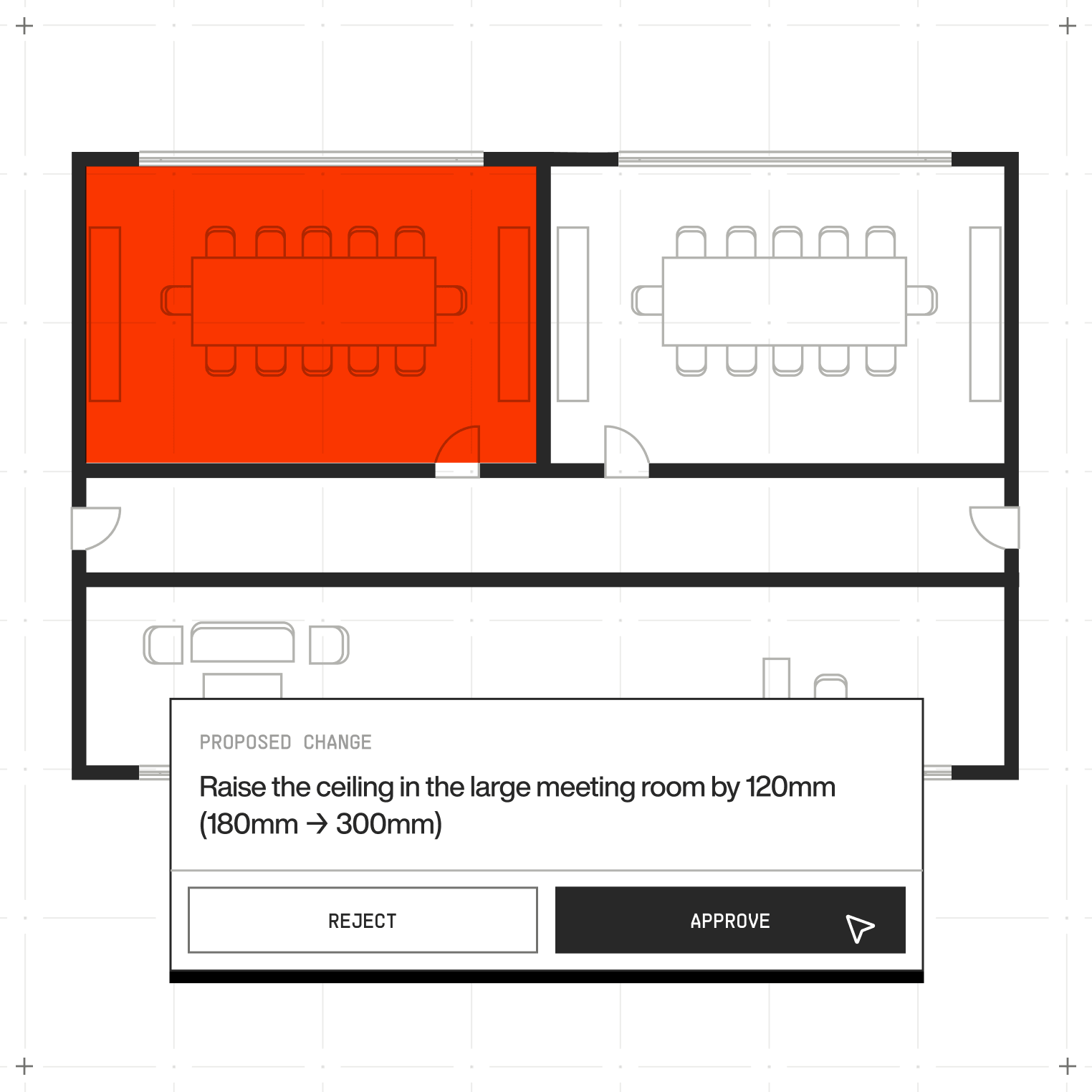
Approve or reject in a click
Edits waiting on your say-so sit in one queue,
so nothing gets missed or held up.
FULL HISTORY
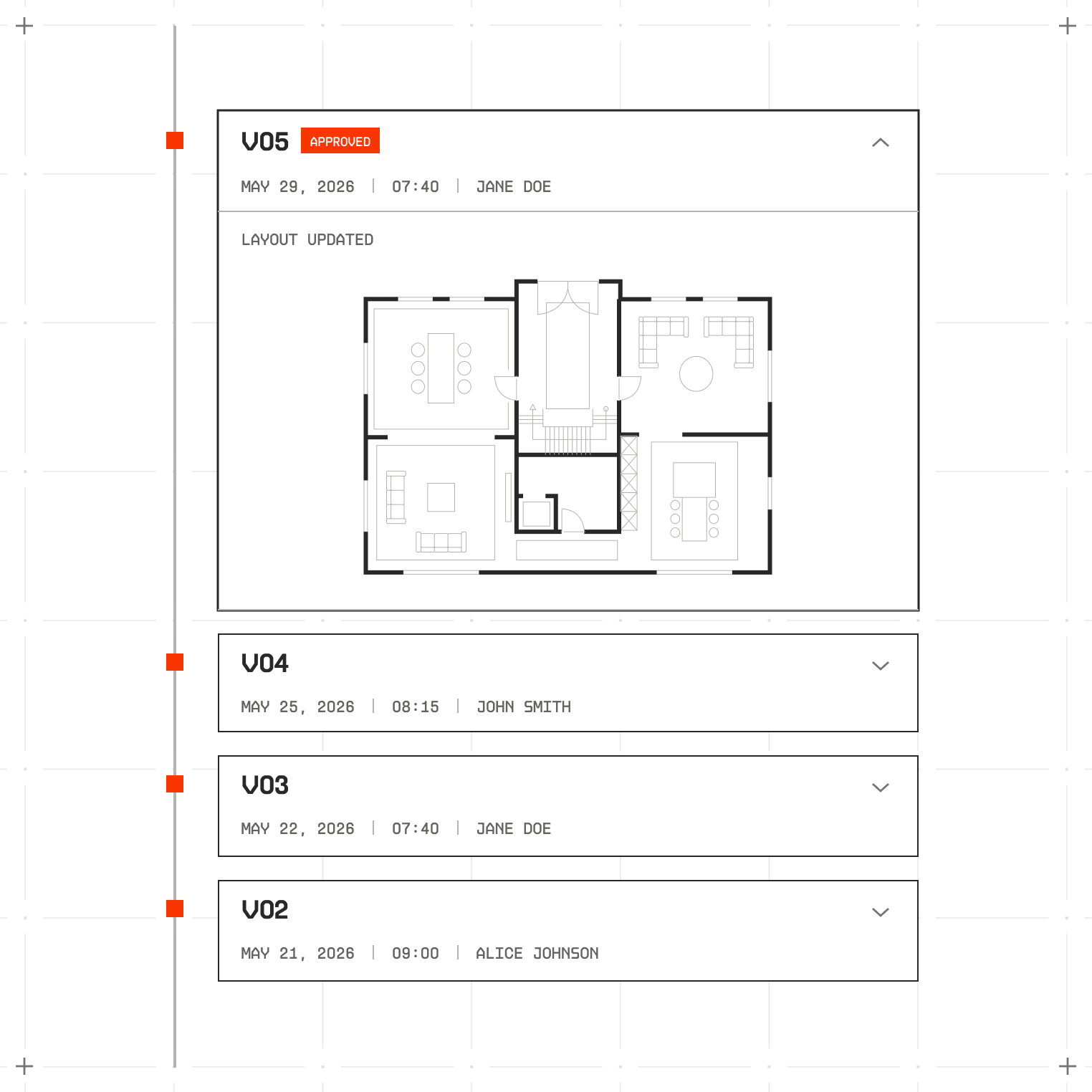
A clear record of every change
See what Arqtec changed, when, and why, so you
can trace any edit back to its reason.
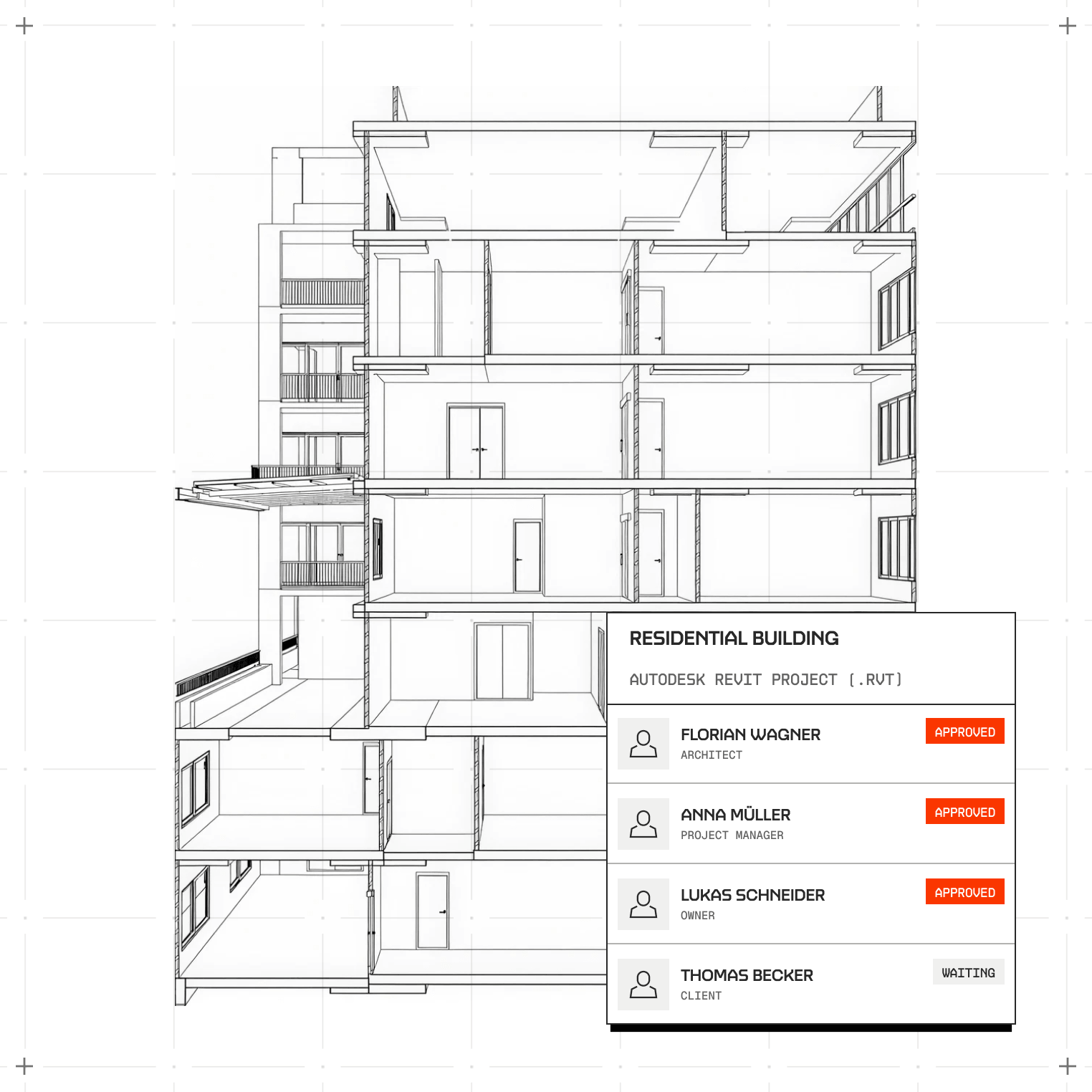
TEAM VIEW
Know who approved what
Track approvals across your team, so standards
stay consistent and accountable.
FIRM STANDARDS
Set the rules once
Tell Arqtec your firm's standards and it
applies them everywhere, learning as it goes.

From activity to oversight, in 3 steps
Keep track of every change Arqtec makes, keep your
team aligned, and keep control across all your
projects.
[Scroll to continuE]
step
[01]
Connect
your Revit model
your Revit model
Seamless BIM workflow integration with your
existing projects and templates.
step
[02]
Run real-time
compliance checks
compliance checks
Compare your design one‑to‑one with the exact
local codes and amendments.
step
[03]
Resolve
with confidence
with confidence
Get suggestions mapped to citations that cut
review time by up to 80%
FAQs
Got questions?
We’ve got answers
Can I see Arqtec's activity across all
projects at once?
Later
Yes. The dashboard brings every active project
into one view, so you don't have to open
each one.
How do I approve or reject Arqtec's
edits?
Later
Pending edits sit in one queue. Review each one
and approve or reject with a single click.
Does the dashboard keep a record of past
changes?
Later
Yes. Every edit is logged with what changed,
when, and why, so you can trace it back any
time.
Can my team share the same dashboard?
Later
Yes. Your team can see activity and approvals
together, so standards stay consistent across
everyone's work.
Can I set my firm's own standards?
Later
Yes. Set your standards once and Arqtec applies
them across your projects, getting more tuned to
your firm over time.
SEE WHAT ARQTEC CAN DO IN YOUR MODEL
Book a demo and we'll show Arqtec working inside
one of your own projects.